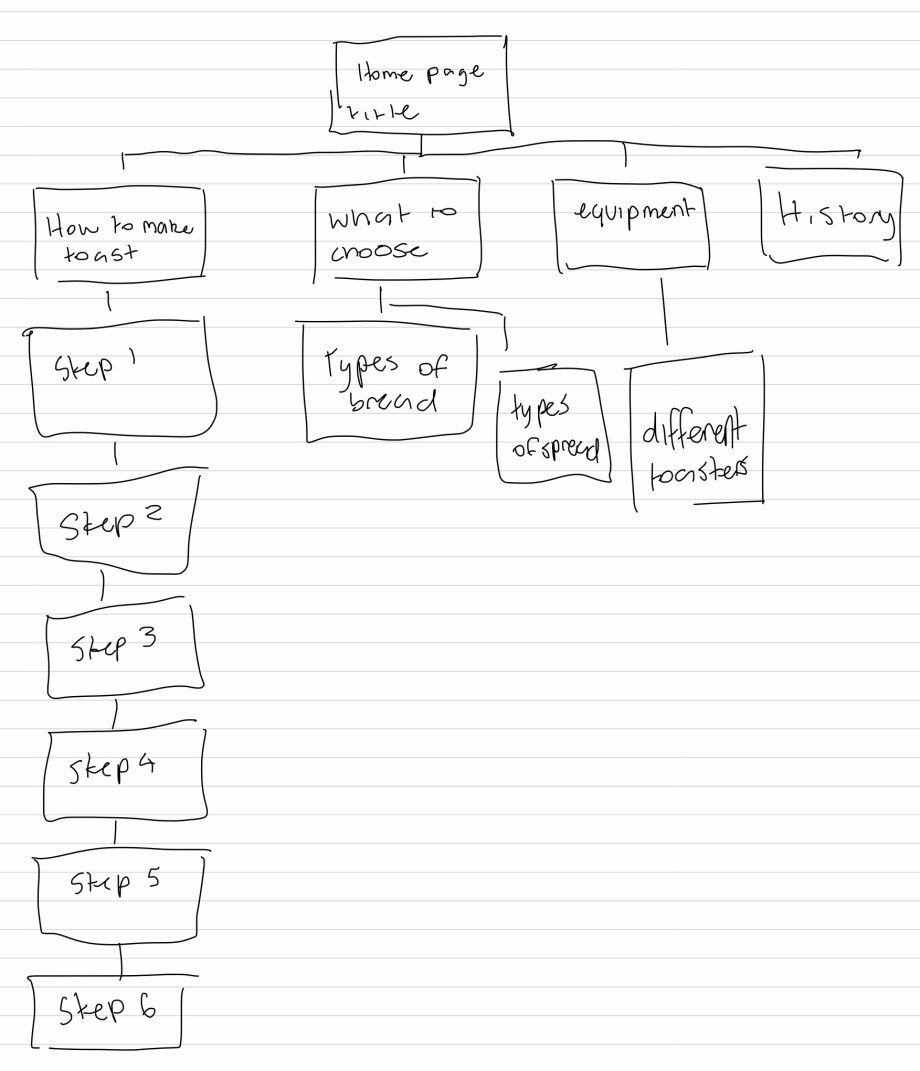
Sitemap
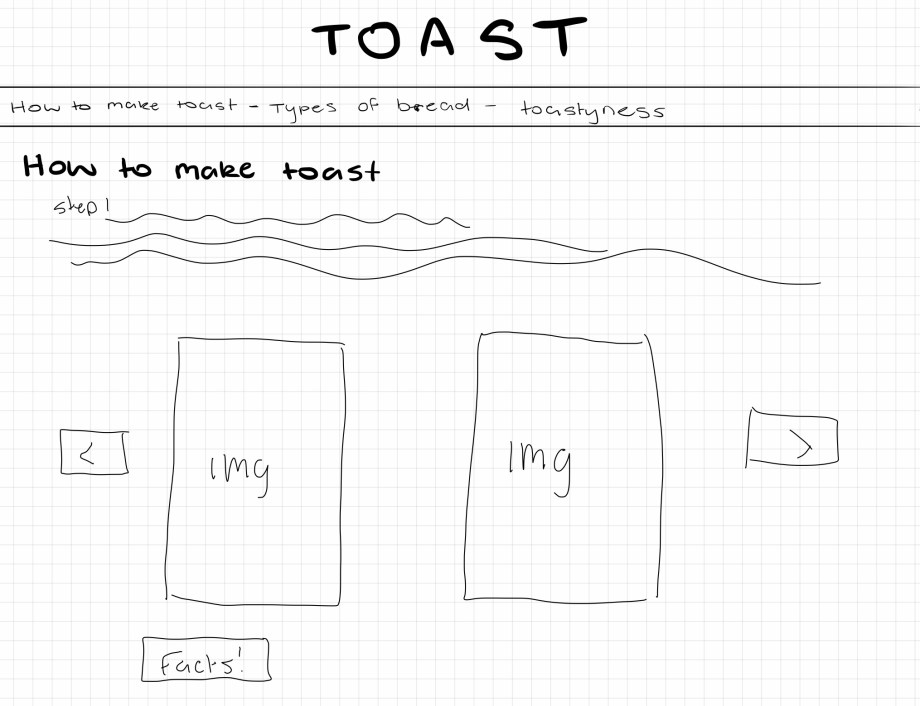
UI Sketch
Grids and Layers
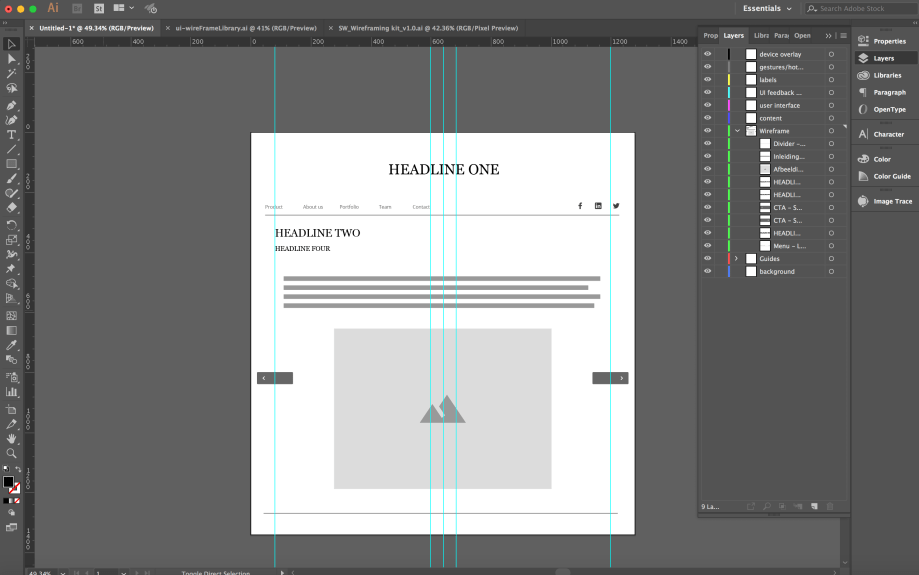
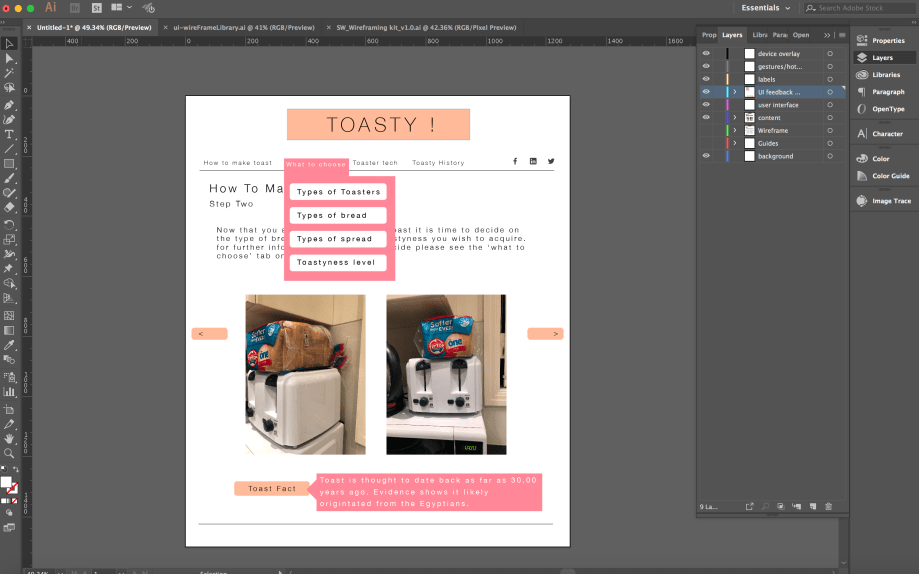
Wireframe
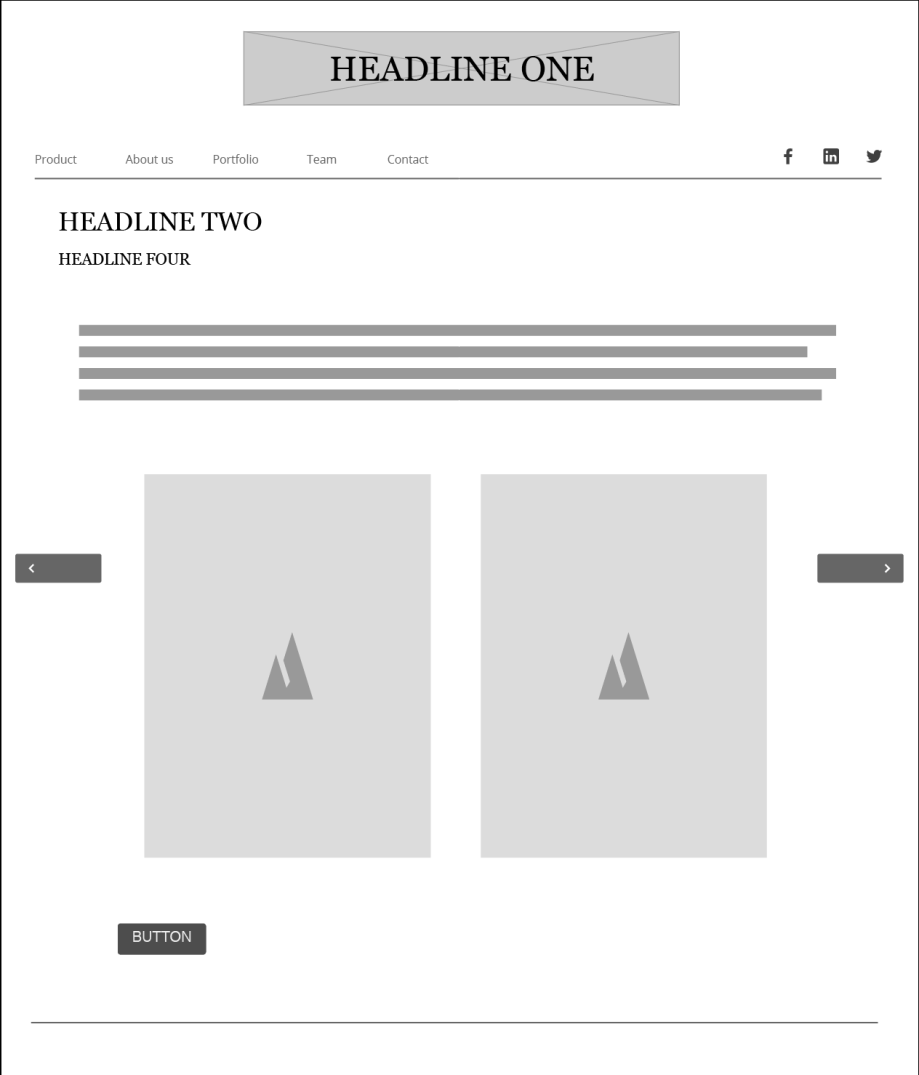
Content
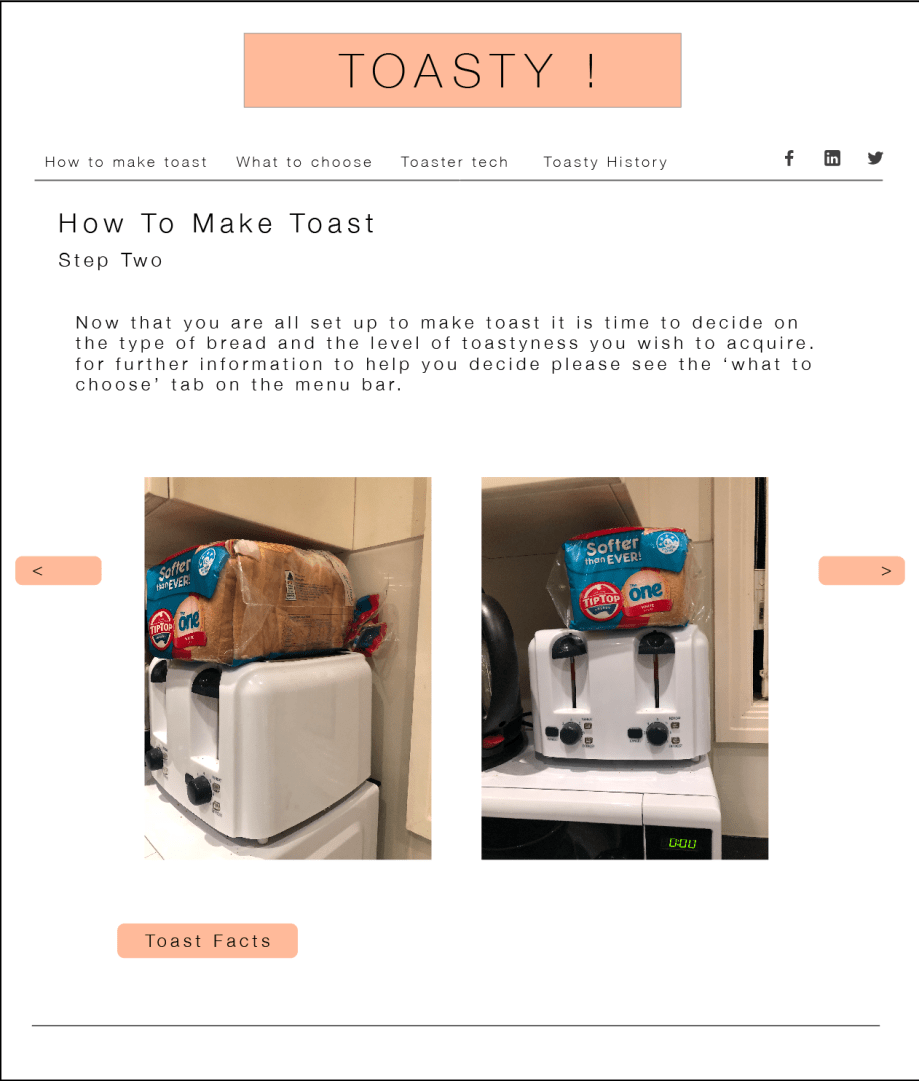
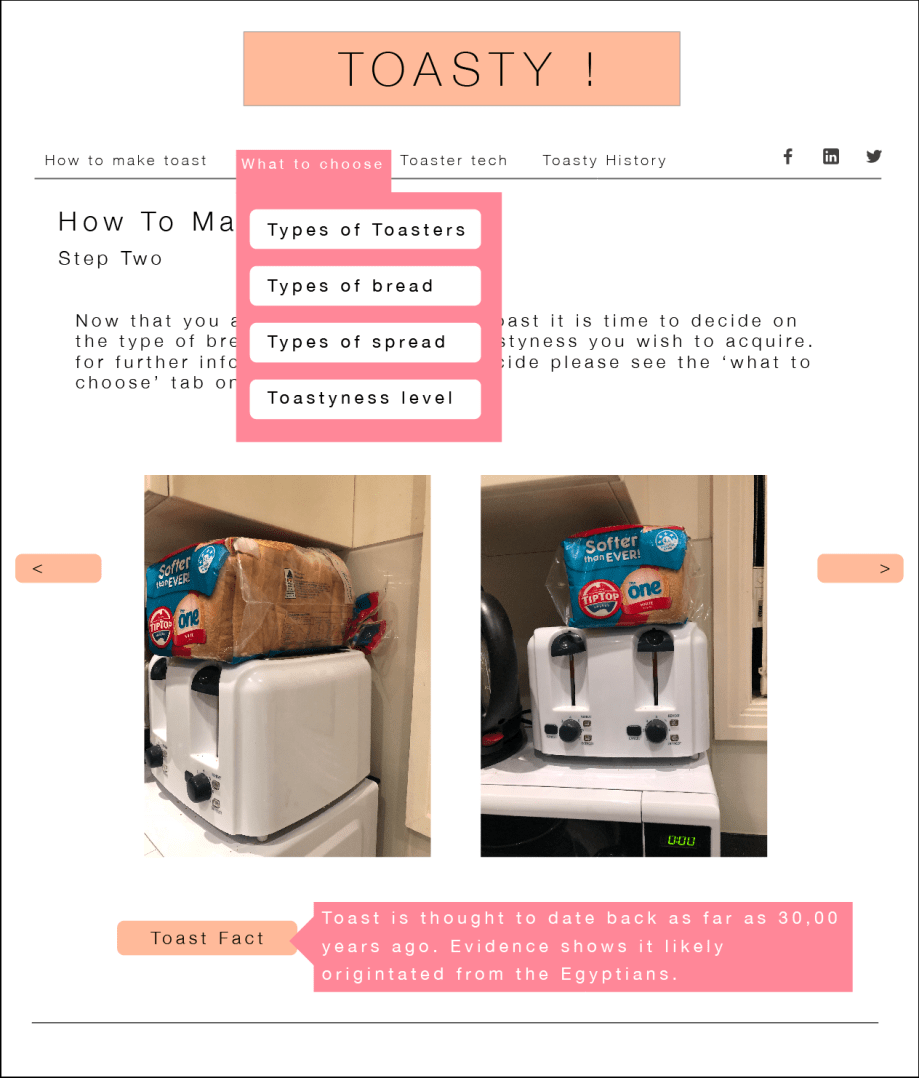
Feedback
For process the lecture goes to show an 8 part process as depicted in the diagram provided

This process is used for the designer to go through the stages of inventing, designing and engineering their product.
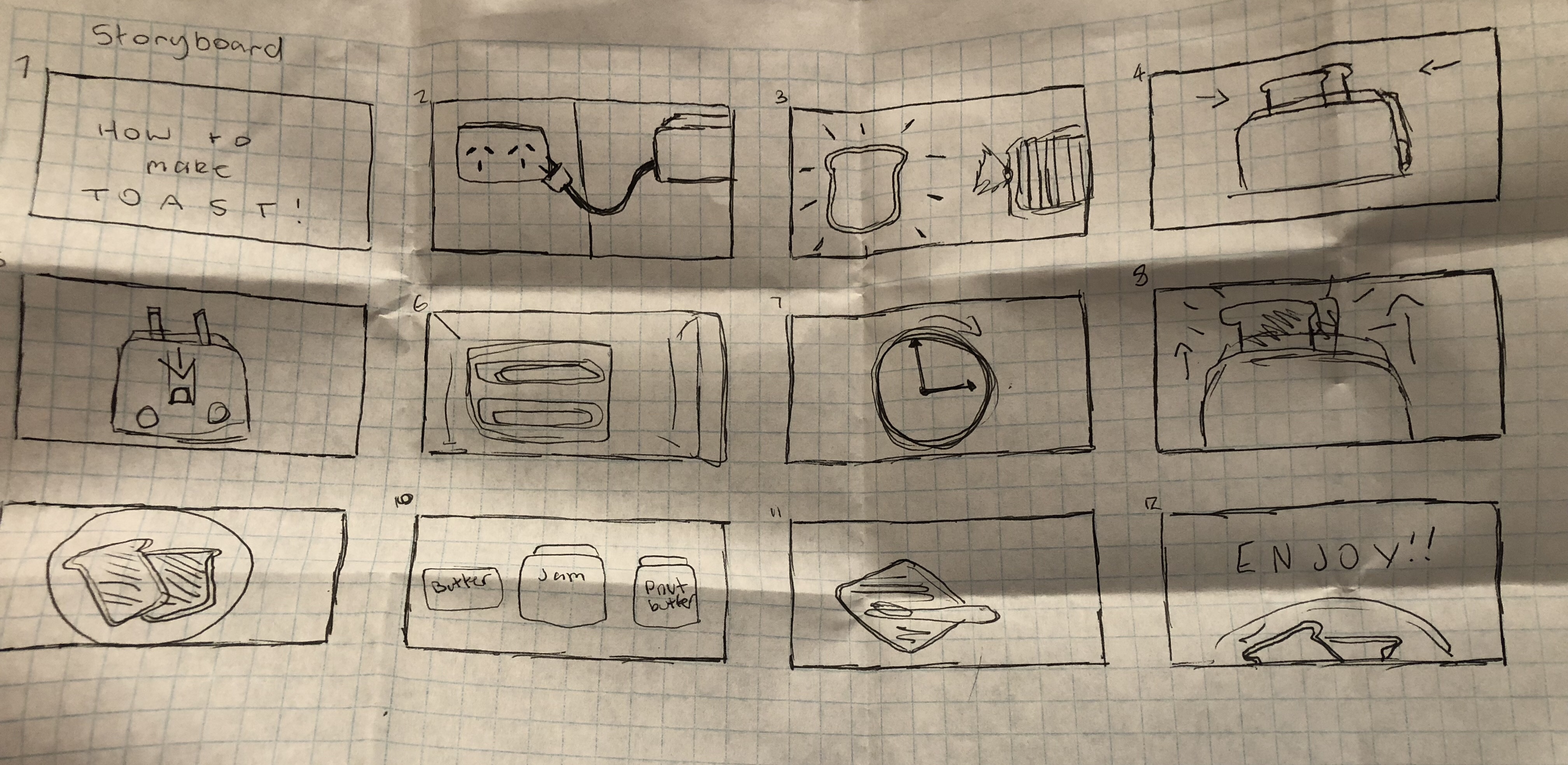
During the design process low tech designed and ideas are extremely important; these are sketches and drawings that can be on anything from paper to sticky notes and they are used to begin fleshing out your ideas before anything goes onto a computer. Making clear digital prototypes will always be an extremely important step of an interactive design project but traditional sketching will always have its place in the process and combining the two leads to a better overall finished prototype.
Context includes the context for use and the context of use when creating an interactive project.
As designers we need to be able to understand what people are trying to do, how they may try to do it, what gets in the way or helps and where they might be doing it. This pod gives examples for these processes and the different contexts for and of use and is then further explained how different design solutions could be used for the context scenario. This allows for interaction design solutions to facilitate their behaviour.
Lecture 1 – introduction to interactive design
– Interaction and interactive design from a broad perspective
– Button, links, form fields etc are a part of interaction design
– Graphic designers should be able to perform basic interaction design for clients
– Key questions of designing interaction for users: how to you do, feel and know
– Perception on screen and not are vastly different from each other.
– Interaction design: “designing interactive products to support people in their everyday and working lives” – sharp, Rogers and Preece
”the design of spaces for human communication and interaction” – winograd


Interactivity
How we think of the word
– Of or relating to a program that respond to user activity (computer science)
– Working together so the total effect is greater than the sum (2 or more)
– Capable of acting on or influencing each other
– Interactions can be vastly different from reading books, using vending machines and having conversations
– Diagram 3 – maps 4 different interactions with their ability to interact to us
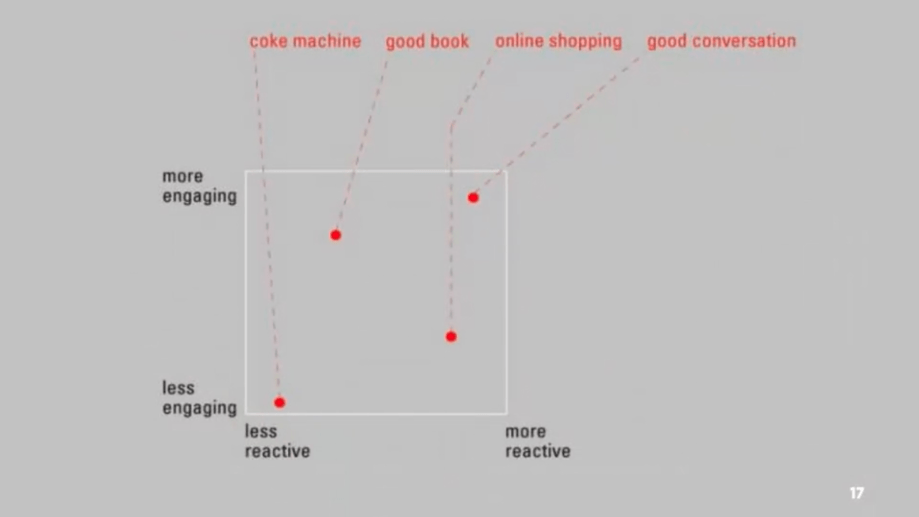
– Diagram 4 – different interactions and how screen size effects their ability to interact with us
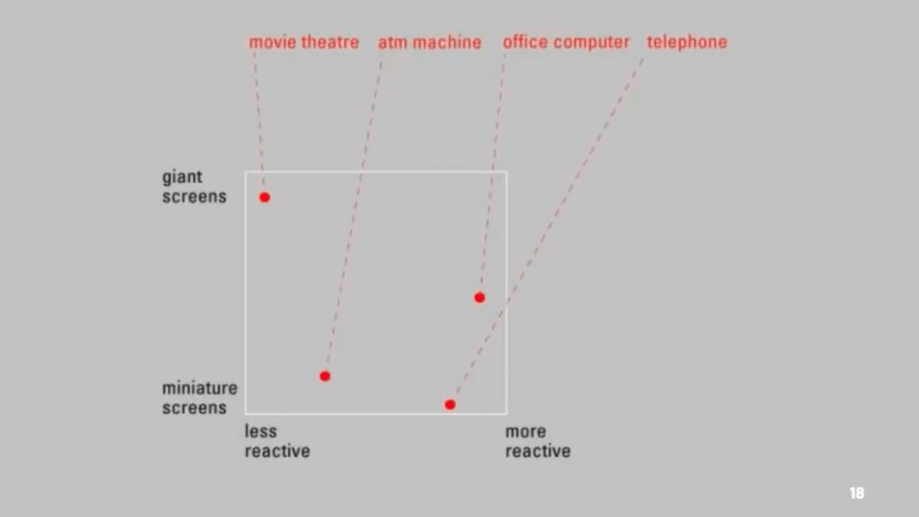
– Diagram 5 – adding public and private space to the previous diagram
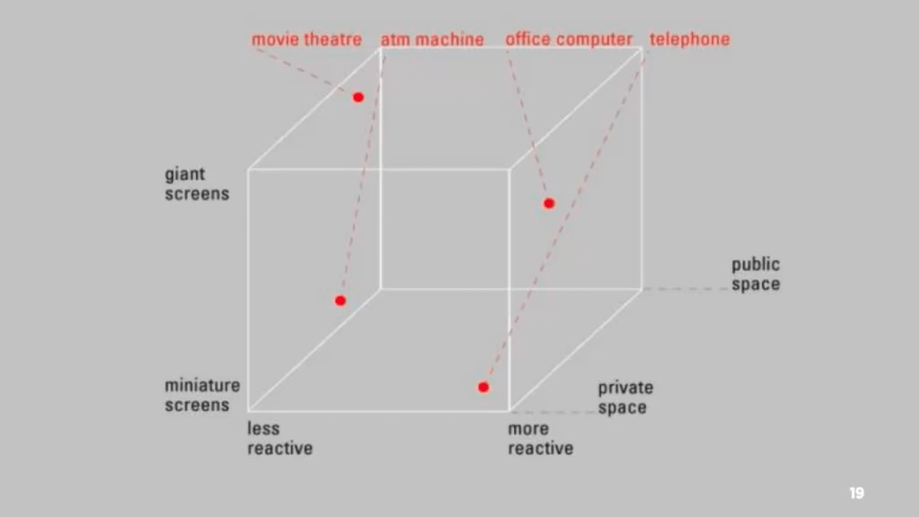
– Many movies create amazing passive experiences but have little to no interactivity, whereas things such as stories or games allows for interactivity when the player progresses
– Diagram 6 – experience design
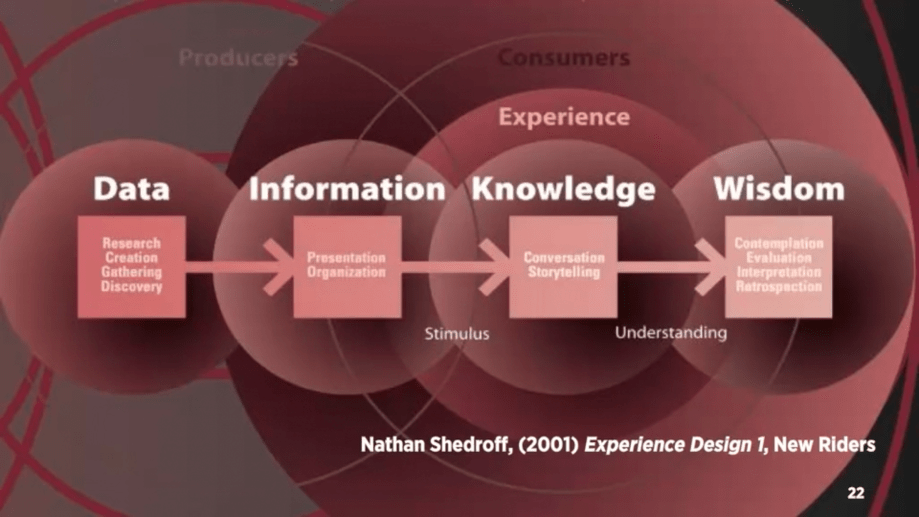
– Data becomes meaningful information when it is organised and presented
– Must first understand your audience, what their needs and expectations are before you are able to create meaningful experiences
– Interactive media is not about information, it’s about experience. But to create these experiences we need to understand the information and structure.
– Five key design areas of interaction design: interactivity, information architecture, time and motion, narrative, interface
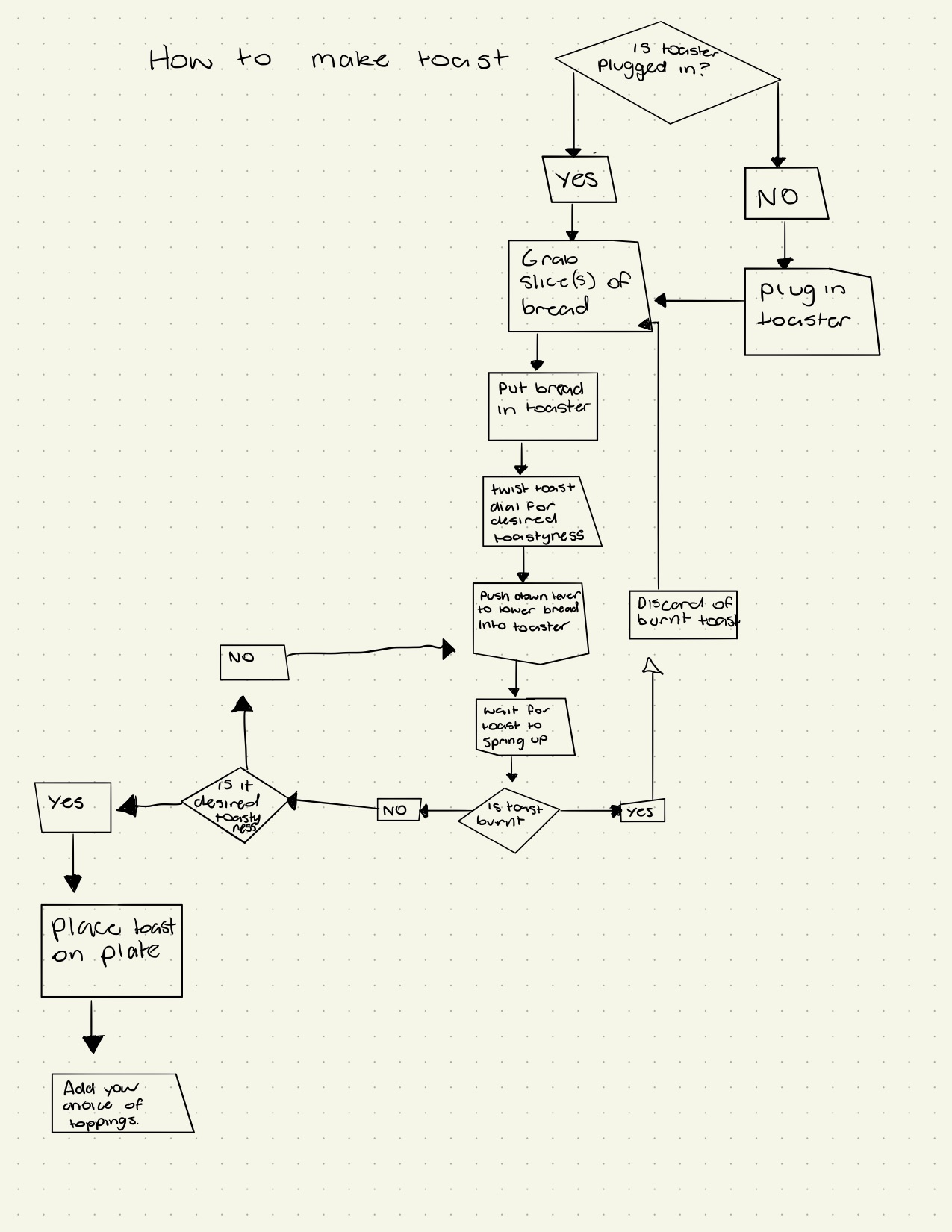
 JDF Information Design & Notes